LinkedIn post scheduling dashboard with automated publishing and content planning tools

Schedule LinkedIn Posts in Advance

Schedule LinkedIn Posts in Advance

Write, plan, and auto-publish your LinkedIn content ahead of time. Stay visible to your professional network without logging in every day.

Write, plan, and auto-publish your LinkedIn content ahead of time. Stay visible to your professional network without logging in every day.

Write, plan, and auto-publish your LinkedIn content ahead of time. Stay visible to your professional network without logging in every day.

Why most professionals struggle with LinkedIn consistency

Why most professionals struggle with LinkedIn consistency

LinkedIn has no native bulk scheduling

You can schedule a single post at a time through LinkedIn, but there's no way to plan a full week or month of content at once.

Professional visibility requires consistency

Posting once and disappearing for two weeks signals disengagement. The algorithm rewards creators who show up regularly

Creating and posting in the same moment leads to lower-quality content

When you're rushing to get something out, you're not writing your best work.

How It Works

How It Works

STEP: 1

Write your LinkedIn post
Editor interface for writing and preparing LinkedIn posts

Compose your post in GoPost. Add text, images, or video whatever fits your message.

STEP: 2

Schedule it
Calendar view for scheduling LinkedIn posts in advance

Pick the day and time your audience is most active. Queue up an entire week's content in one sitting.

STEP: 3

GoPost publishes it
Automated system publishing LinkedIn posts without manual effort

Your post goes live on LinkedIn at the scheduled time. Your network sees consistent, quality content.
Key Features

Key Features

Text, image & video posts

Schedule any type of LinkedIn content text updates, image posts, or video content.

LinkedIn content creation interface supporting text, images, and video posts

Batch content creation

Write multiple LinkedIn posts in one focused session and spread them across the week or month.

Dashboard showing bulk creation and scheduling of multiple LinkedIn posts

Optimal timing

Schedule posts to go live during peak engagement windows for your professional audience.

Analytics interface suggesting best time to post on LinkedIn

Cross-platform scheduling

Planning a post for LinkedIn? Share it to Instagram, YouTube, and more at the same time. One post, multiple platforms.

Cross-posting content from LinkedIn to multiple social media platforms

Text, image & video posts

Schedule any type of LinkedIn content text updates, image posts, or video content.

LinkedIn content creation interface supporting text, images, and video posts

Batch content creation

Write multiple LinkedIn posts in one focused session and spread them across the week or month.

Dashboard showing bulk creation and scheduling of multiple LinkedIn posts

Optimal timing

Schedule posts to go live during peak engagement windows for your professional audience.

Analytics interface suggesting best time to post on LinkedIn

Cross-platform scheduling

Planning a post for LinkedIn? Share it to Instagram, YouTube, and more at the same time. One post, multiple platforms.

Cross-posting content from LinkedIn to multiple social media platforms

Text, image & video posts

Schedule any type of LinkedIn content text updates, image posts, or video content.

Batch content creation

Write multiple LinkedIn posts in one focused session and spread them across the week or month.

Optimal timing

Schedule posts to go live during peak engagement windows for your professional audience.

Cross-platform scheduling

Planning a post for LinkedIn? Share it to Instagram, YouTube, and more at the same time. One post, multiple platforms.

Who It's For

Who It's For

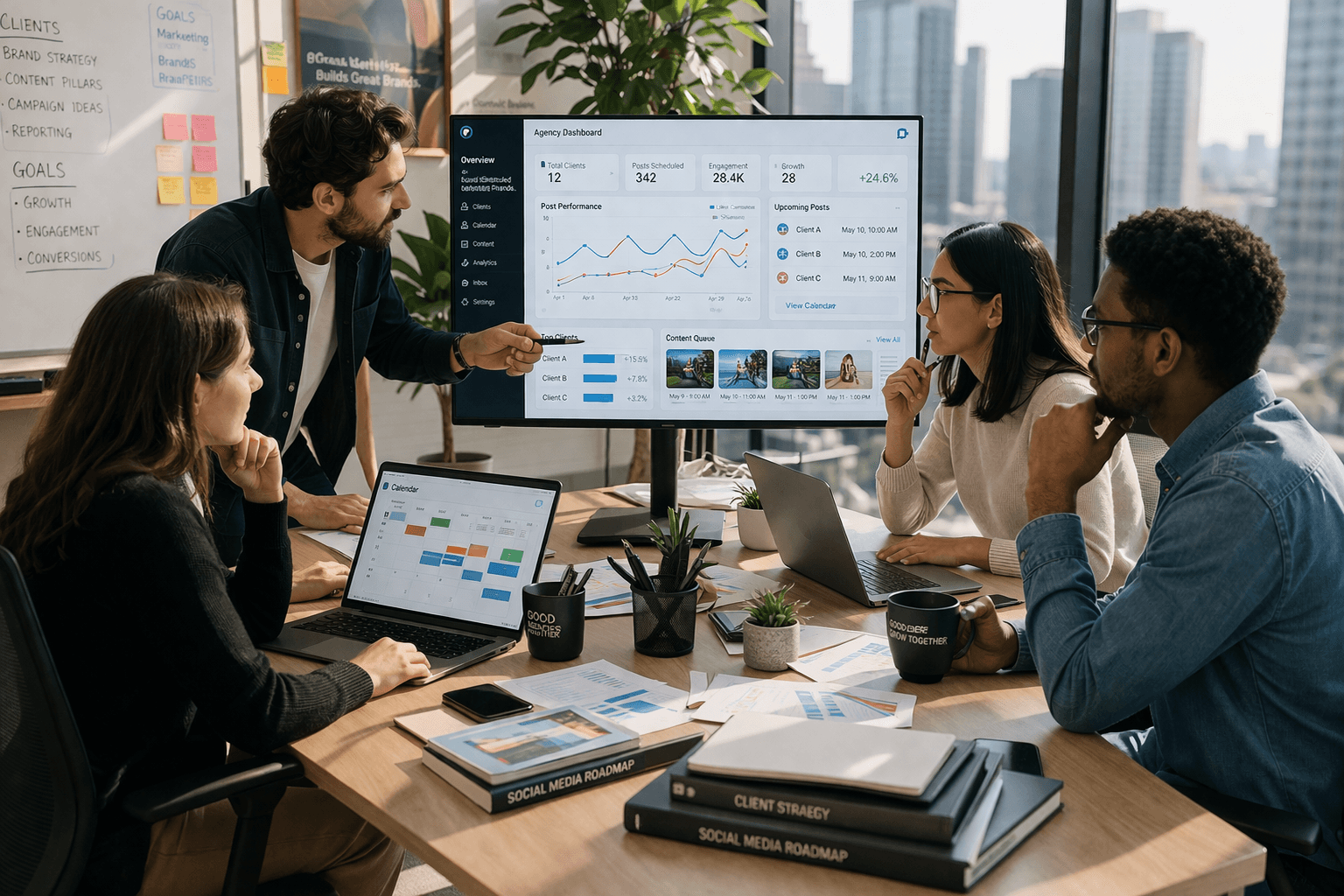
Business professional managing LinkedIn content to build personal brand

Founders and executives

building a personal brand on LinkedIn

Business professional managing LinkedIn content to build personal brand

Founders and executives

building a personal brand on LinkedIn

Marketing team planning LinkedIn campaigns and engagement strategy

B2B marketers

driving leads through LinkedIn content

Marketing team planning LinkedIn campaigns and engagement strategy

B2B marketers

driving leads through LinkedIn content

Agency team handling multiple LinkedIn accounts for clients

Agencies

Managing LinkedIn accounts for clients

Agency team handling multiple LinkedIn accounts for clients

Agencies

Managing LinkedIn accounts for clients

Freelancer scheduling LinkedIn posts to grow professional presence

Freelancers and consultants

who want to stay top-of-mind

Freelancer scheduling LinkedIn posts to grow professional presence

Freelancers and consultants

who want to stay top-of-mind

Frequently Asked Questions

Can I schedule LinkedIn video posts?

Yes. GoPost supports text, image, and video posts on LinkedIn.

Does GoPost support LinkedIn company pages?

Can I customize the post for LinkedIn while cross-posting to other platforms?

How many posts can I schedule in advance?

Will GoPost affect my LinkedIn reach or engagement?

Build your LinkedIn presence on autopilot

Write once, schedule ahead, and let your content do the networking for you