
Automate IG Stories or Migrate Content to New IG Account
Automate IG Stories or Migrate Content to New IG Account
Save time and boost engagement. Automatically turn your Instagram posts into stories and seamlessly migrate content to another Instagram account—keeping your presence active and consistent.
Save time and boost engagement. Automatically turn your Instagram posts into stories and seamlessly migrate content to another Instagram account keeping your presence active and consistent.
Save time and boost engagement. Automatically turn your Instagram posts into stories and seamlessly migrate content to another Instagram accountkeeping your presence active and consistent.
Automate IG Stories

150%
Subscriber growth
"GoPost helped me increase my YouTube subscribers from 4K to 10K in just a few months."

Alex Morgan
Content Creator
150%
Subscriber growth
"GoPost helped me increase my YouTube subscribers from 4K to 10K in just a few months."
Alex Morgan
Content Creator
200%
Engagement growth
"Our Instagram engagement doubled after using GoPost to automate multi-platform posting."

Priya Sharma
Digital Marketing Manager
200%
Engagement growth
"Our Instagram engagement doubled after using GoPost to automate multi-platform posting."
Priya Sharma
Digital Marketing Manager
1800x
Increase in video views
"My video views skyrocketed 1,800 times after sharing content across multiple platforms with GoPost."

David Lee
YouTube Creator
7x
More content output
"GoPost increased my content output sevenfold without any extra time spent."

Sarah Collins
Social Media Manager
$1,200
Saved in a month
"I saved $1,200 per month on content management thanks to GoPost’s automation."

Liam Patel
Influencer
$1,200
Saved in a month
"I saved $1,200 per month on content management thanks to GoPost’s automation."
Liam Patel
Influencer
300%
More video clips created
"GoPost tripled the number of video clips I can post every week."

Ethan Brooks
Online Coach
300%
More video clips created
"GoPost tripled the number of video clips I can post every week."
Ethan Brooks
Online Coach
50x
Increase in short-form video views
"My short-form video views increased 50 times since I started using GoPost."

Maya Thompson
Small Business Owner
50x
Increase in short-form video views
"My short-form video views increased 50 times since I started using GoPost."
Maya Thompson
Small Business Owner
5x
Faster posting workflow
"We now create and post five times more content each week thanks to GoPost."

Jason Carter
Video Producer
5x
Faster posting workflow
"We now create and post five times more content each week thanks to GoPost."
Jason Carter
Video Producer
400%
Olivia Grant
"GoPost boosted our content reach by 4X across YouTube, Instagram, and LinkedIn in just weeks."

Rayan Carthage
Freelance Content Creator
400%
Olivia Grant
"GoPost boosted our content reach by 4X across YouTube, Instagram, and LinkedIn in just weeks."
Rayan Carthage
Freelance Content Creator
250%
LinkedIn reach growth
"Our LinkedIn video reach grew 2.5 times faster after using GoPost for cross-platform posting."

Nina Chen
Marketing Consultant
250%
LinkedIn reach growth
"Our LinkedIn video reach grew 2.5 times faster after using GoPost for cross-platform posting."
Nina Chen
Marketing Consultant
Stop Re-Uploading. Post Everywhere at Once
Stop Re-Uploading. Post Everywhere at Once

Turn Posts Into Stories
Automatically convert Instagram posts into stories without extra editing.
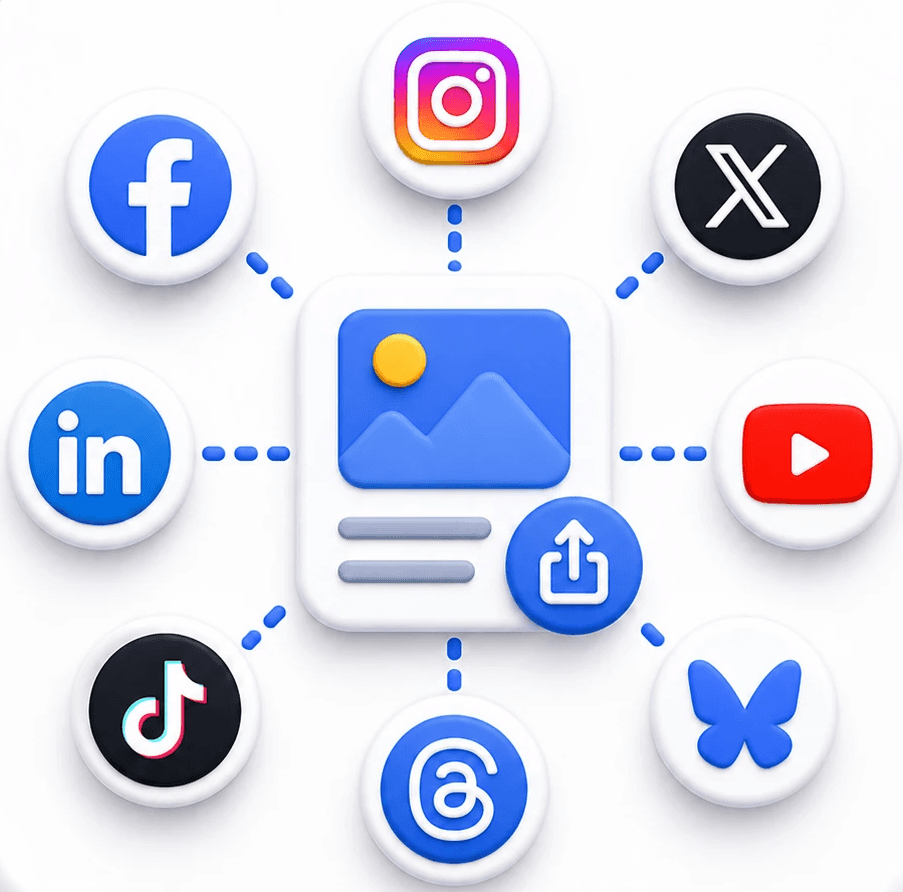
Cross Post Everywhere
Publish once and share content across all your connected social platforms.

Post Across IG Accounts
Share content across multiple Instagram accounts from a single workflow.

Repurpose Content
Reuse posts across platforms and reach more people with less effort.

Move Instagram Content
Transfer posts between accounts while keeping captions and formatting.

Schedule With Control
Plan, schedule, and manage publishing with flexible controls and posting limits.
Turn Posts Into Stories
Automatically convert Instagram posts into stories without extra editing.
Move Instagram Content
Transfer posts between accounts while keeping captions and formatting.
Repurpose Content
Reuse posts across platforms and reach more people with less effort.
Post Across IG Accounts
Share content across multiple Instagram accounts from a single workflow.
Cross Post Everywhere
Publish once and share content across all your connected social platforms.
Schedule With Control
Plan, schedule, and manage publishing with flexible controls and posting limits.
Turn Posts Into Stories
Automatically convert Instagram posts into stories without extra editing.
Post Across IG Accounts
Share content across multiple Instagram accounts from a single workflow.
Move Instagram Content
Transfer posts between accounts while keeping captions and formatting.
Cross Post Everywhere
Publish once and share content across all your connected social platforms.
Repurpose Content
Reuse posts across platforms and reach more people with less effort.
Schedule With Control
Plan, schedule, and manage publishing with flexible controls and posting limits.
Expand Your Reach With GoPost's Cross-Posting Scheduler
Connect Instagram & Automate Stories
Connect Instagram & Migrate Content Between Accounts
Edit Metadata for IG Stories & Posts Automatically

How to Automate IG Stories or Migrate Content with GoPost.io
How to Automate IG Stories or Migrate Content with GoPost.io
01
Connect Your Instagram Account
Open GoPost.io from your phone or laptop and link your Instagram account. The intuitive dashboard gives you full access to all your posts, stories, and account settings—so you can start automating stories or migrating content between accounts effortlessly.
Open GoPost.io from your phone or laptop and link your Instagram account. The intuitive dashboard gives you full access to all your posts, stories, and account settings—so you can start automating stories or migrating content between accounts effortlessly.
02
Pull Content from Your Instagram Account
Select the Instagram account and content you want to automate or migrate—Posts, Reels, Stories, or Carousels. GoPost automatically pulls everything, letting you choose what to turn into stories or move to another account.
Select the Instagram account and content you want to automate or migrate—Posts, Reels, Stories, or Carousels. GoPost automatically pulls everything, letting you choose what to turn into stories or move to another account.
03
Select Target Instagram Accounts
Choose the Instagram account(s) where you want your content to go. GoPost lets you automate stories on the same account or migrate posts seamlessly to another account—no need to switch apps or manage multiple logins manually.
Choose the Instagram account(s) where you want your content to go. GoPost lets you automate stories on the same account or migrate posts seamlessly to another account—no need to switch apps or manage multiple logins manually.
04
Edit Metadata for IG Stories & Posts
GoPost automatically checks captions, hashtags, tags, and visibility for each story or post. Make quick edits to ensure every story and post is perfectly optimized before automating or migrating content to another account.
GoPost automatically checks captions, hashtags, tags, and visibility for each story or post. Make quick edits to ensure every story and post is perfectly optimized before automating or migrating content to another account.
05
Schedule Your Instagram Stories & Posts
Pick the ideal date and time for each story or post to go live. GoPost queues everything automatically, keeping your Instagram content calendar organized and your audience engaged-whether it’s on the same account or across multiple accounts.
Pick the ideal date and time for each story or post to go live. GoPost queues everything automatically, keeping your Instagram content calendar organized and your audience engaged-whether it’s on the same account or across multiple accounts.
06
Sync Instagram Content Automatically
Click Sync Content to automatically pull all your existing Instagram posts, stories, reels, and carousels. GoPost also fetches any new content as it’s published, so everything is ready to automate stories or migrate between accounts.
Click Sync Content to automatically pull all your existing Instagram posts, stories, reels, and carousels. GoPost also fetches any new content as it’s published, so everything is ready to automate stories or migrate between accounts.
What is IG-to-IG posting with GoPost.io?
IG-to-IG posting lets you automatically share your Instagram content—Posts, Reels, Stories, and Carousels—from one Instagram account to another without downloading or re-uploading anything. It streamlines account management for creators, brands, and agencies.
Can GoPost automatically turn my posts into stories?
Do I need to manually download my content before posting to another IG account?
Can I migrate content between multiple Instagram accounts?
Will the formatting, captions, and metadata stay intact when migrating content?
Can I schedule automated stories or migrated posts?
Does GoPost check if my stories or posts meet Instagramʼs requirements?
How does the Sync Content feature work for IG-to-IG posting?
What is IG-to-IG posting with GoPost.io?
IG-to-IG posting lets you automatically share your Instagram content—Posts, Reels, Stories, and Carousels—from one Instagram account to another without downloading or re-uploading anything. It streamlines account management for creators, brands, and agencies.
Can GoPost automatically turn my posts into stories?
Do I need to manually download my content before posting to another IG account?
Can I migrate content between multiple Instagram accounts?
Will the formatting, captions, and metadata stay intact when migrating content?
Can I schedule automated stories or migrated posts?
Does GoPost check if my stories or posts meet Instagramʼs requirements?
How does the Sync Content feature work for IG-to-IG posting?
Discover More GoPost Features
Discover More GoPost Features
Explore the full range of GoPost’s tools for effortless cross-posting, scheduling, and content optimization designed to save you time and supercharge your social media workflow.
Ready to elevate your content game?
Try GoPost for FREE and publish up to 10 posts during your 14-days trial.No commitment. Just Results
Try GoPost for FREE and publish up to 10 posts during your 7-days trial.No commitment. Just Results
Automate Instagram Stories & Share Across Accounts 24/7
Connect Instagram & Automate Stories
Stop manually creating stories one by one. Connect your Instagram account, automatically turn multiple posts into engaging stories, and schedule them seamlessly-so your audience stays engaged while you focus on creating.

Connect Instagram & Migrate Content Between Accounts
From one account to another, GoPost makes it easy to move your Instagram content including posts, stories, carousels, and reels seamlessly between accounts, saving you time and effort.

Edit Metadata for IG Stories & Posts Automatically
GoPost automatically checks your Instagram stories and posts captions, hashtags, tags, and visibility and highlights where edits are needed. Make metadata updates quickly to ensure every story and post is perfectly optimized.
