

Posting individually to each platform eats hours every week
Log into YouTube, upload, add metadata. Switch to Instagram, upload, write caption. Open LinkedIn, post again. Repeat daily.
Batching content is impossible without the right tool
You might batch-create content, but if you can't batch-schedule it, you're still stuck with the daily upload routine.
Managing multiple platforms means multiple logins and dashboards
Jumping between apps increases the chance you'll miss a post, use the wrong caption, or forget a platform entirely.
STEP: 1
Upload all your content

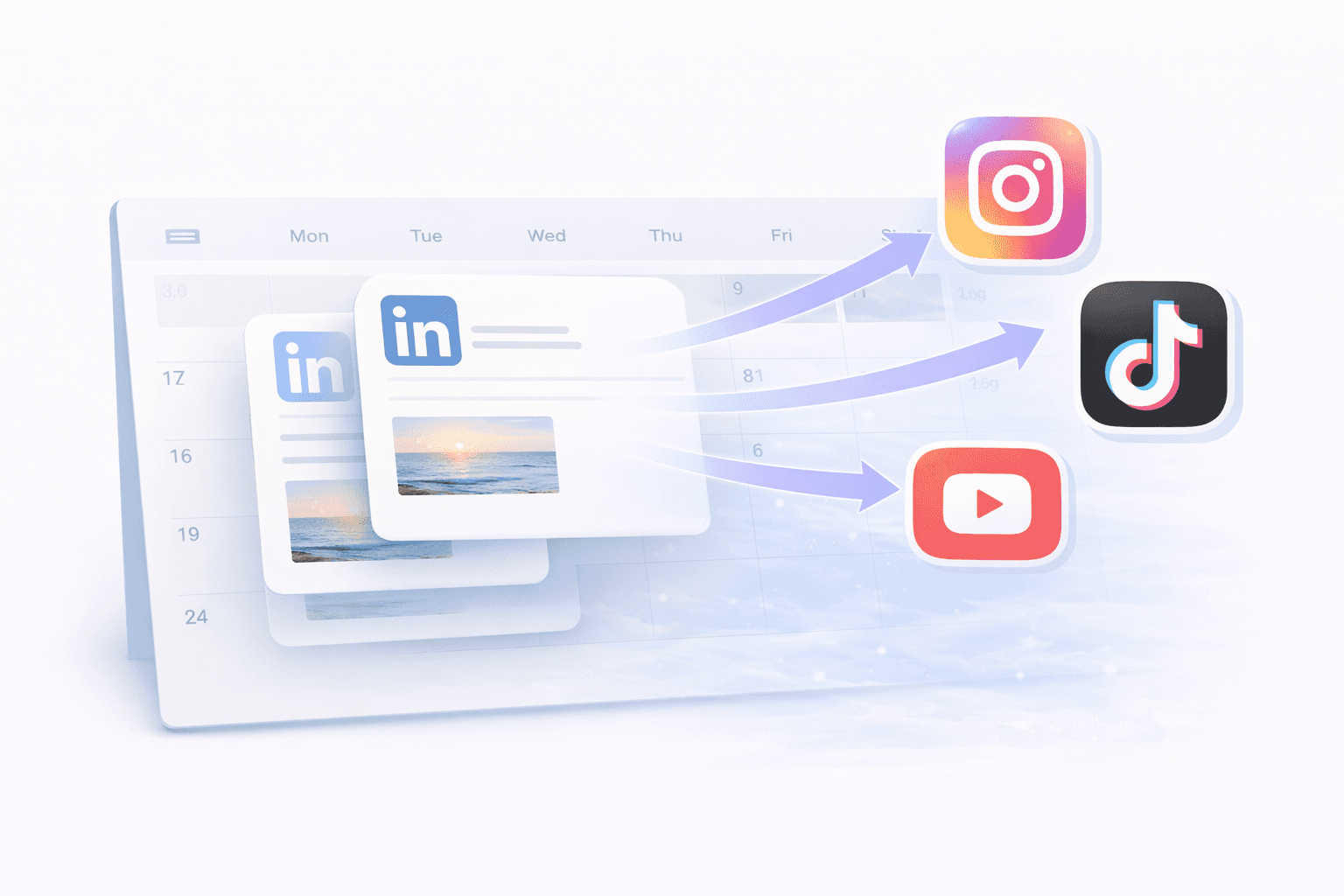
Drag and drop a batch of videos, images, and posts into GoPost at once.
STEP: 2
Assign platforms and dates

Choose which platforms each post goes to and set the publish date and time for each one.
STEP: 3
GoPost handles the rest

Every post publishes automatically on its scheduled date across all selected platforms. You're done for the week.


Social media managers
handling multiple accounts and platforms

Batch content agencies
Create client content weekly/monthly


Film & create in batches
Spread content across weeks
Frequently Asked Questions
Which platforms does GoPost support for bulk scheduling?
GoPost currently supports bulk scheduling across YouTube, Instagram, and LinkedIn. More platforms are coming soon.
Can I customize each post for different platforms during bulk upload?
Is there a limit to how many posts I can schedule at once?
Can I see all my scheduled posts in one place?
What if I need to reschedule a post after it's been queued?
Batch it. Schedule it. Done.
Upload a week's worth of content in one sitting and let GoPost do the posting.